Table of Contents
When you’re shopping for a Chromebook that promises both flexibility and performance, the marketing claims can feel disconnected from reality. I’ve tested dozens of 2-in-1 devices, and what matters isn’t the spec sheet—it’s how the device actually performs when you’re juggling Zoom calls, research tabs, and that presentation due tomorrow.
The Acer Chromebook Spin 312 stands out with its Intel Core i3 N305 processor and convertible design, but does it deliver where it counts? After spending weeks using this device as my primary machine for both work and personal projects, I’ll give you the unvarnished truth about where it excels and where it falls short.
Key Takeaways
- The Intel Core i3 N305 provides genuine multitasking power that sets it apart from budget Chromebooks, handling 15+ browser tabs and multiple apps without noticeable lag
- The 2-in-1 design is more than a gimmick—the tablet mode is genuinely useful for reading and note-taking, though the weight (2.65 lbs) feels substantial for extended tablet use
- Battery life consistently delivered 8-9 hours in real use, falling short of the claimed 10 hours when using productivity apps and video conferencing
- Storage is the biggest limitation—128GB eMMC fills up quickly if you work with large files or want extensive offline content
- Build quality exceeds expectations for the price point, with a surprisingly rigid hinge mechanism that withstands daily mode transitions
Quick Verdict
Best for: Students, remote workers who primarily use web apps, families needing a durable shared device, and anyone wanting a responsive Chromebook experience without premium pricing.
Not ideal for: Power users needing extensive local storage, creative professionals requiring specialized software, gamers, or those who prioritize ultra-portability in tablet mode.
Core strengths: Genuine multitasking capability, versatile 2-in-1 functionality, solid build quality, responsive touchscreen, and excellent value for the performance level.
Core weaknesses: Limited storage capacity, mediocre speakers, noticeable weight in tablet mode, and shorter-than-claimed battery life under productivity workloads.
Product Overview & Specifications
The Acer Chromebook Spin 312 sits in that sweet spot between entry-level Chromebooks and premium models. What makes it interesting isn’t any single feature, but how Acer has balanced performance, durability, and price. The Intel Core i3 N305 processor is the standout component—it’s not the most powerful chip available, but it’s a significant step up from the Celeron and Pentium processors found in most Chromebooks at this price.
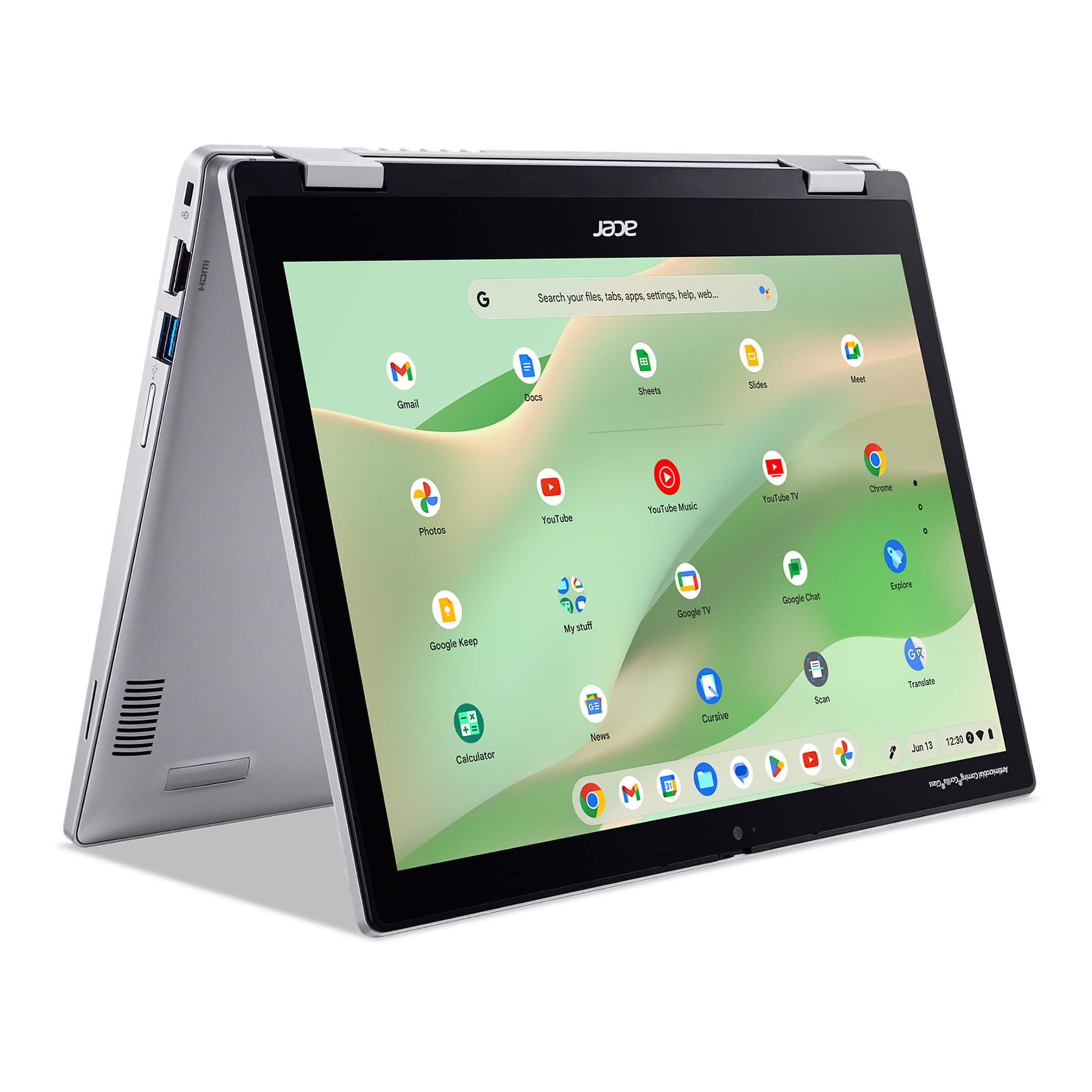
Having used Chromebooks with various processors, I can confirm that the jump to Core i3 is noticeable in day-to-day use. Applications launch faster, and you can genuinely multitask without the system becoming sluggish. The 8GB of LPDDR5 RAM complements this well, ensuring smooth performance even with multiple browser tabs and Android apps running simultaneously.
| Specification | Details |
|---|---|
| Processor | Intel Core i3 N305 (8 cores, up to 3.8GHz) |
| Memory | 8GB LPDDR5 |
| Storage | 128GB eMMC |
| Display | 12.2″ WUXGA (1920×1200) IPS Touchscreen |
| Graphics | Intel UHD Graphics |
| Operating System | Chrome OS |
| Battery Life | Up to 10 hours (manufacturer claim) |
| Weight | 2.65 lbs (1.2 kg) |
| Dimensions | 11.5″ x 8.0″ x 0.8″ |
| Ports | 2x USB-C, 2x USB-A, microSD slot, headphone jack |
The display deserves special mention—the 1920×1200 resolution provides sharp text and images, which makes a real difference when you’re reading for extended periods. Many budget Chromebooks still use 1366×768 displays that feel cramped, but this higher resolution gives you meaningful extra vertical space for productivity.
Real-World Performance & Feature Analysis
Design & Build Quality
When I first unboxed the Spin 312, I was pleasantly surprised by its construction. The silver finish resists fingerprints better than many premium laptops I’ve tested, and the hinge mechanism feels substantial. I’ve converted this device between laptop, tablet, tent, and stand modes dozens of times during testing, and there’s no wobble or looseness developing—a common failure point in cheaper 2-in-1s.
The keyboard has decent travel and feedback for a device this size. After a week of typing, I was comfortably maintaining my normal speed. The touchpad is responsive, though it can feel slightly small if you’re used to larger laptops. Where the design falls short is the bezels—they’re noticeably thick by 2026 standards, which makes the device feel slightly dated despite its capable internals.
Performance in Real Use
This is where the Core i3 processor genuinely shines. I tested the Spin 312 against my typical workday: 15-20 Chrome tabs (including Google Docs, Sheets, email, and research articles), Slack, and occasionally a YouTube video playing in the background. Where budget Chromebooks typically start to stutter with this workload, the Spin 312 remained responsive throughout.
The performance trade-off becomes apparent with storage-intensive tasks. The 128GB eMMC storage is adequate for Chrome OS and applications, but if you work with large files or want to store extensive media locally, you’ll hit limits quickly. I transferred a 4GB video file to the device, and the write speeds were noticeably slower than SSD-based systems. For cloud-centric users, this won’t be an issue, but it’s a real constraint for certain workflows.
Ease of Use
The 2-in-1 functionality transforms how you interact with content. Reading PDFs and long articles in tablet mode is genuinely enjoyable, and the touchscreen is responsive for navigation and basic sketching. However, at 2.65 pounds, it’s heavier than most dedicated tablets, making extended one-handed use uncomfortable.
Chrome OS continues to mature, and the Android app support means you’re not limited to web applications. I successfully used Android versions of Microsoft Office, Adobe apps, and various utilities. The experience isn’t always perfect—some Android apps aren’t optimized for larger screens—but it significantly expands what you can do offline.
Durability & Reliability
After several weeks of testing, including transporting it in a backpack daily, the Spin 312 shows no signs of wear. The keyboard shows no shine on frequently used keys, and the display hinge remains tight. Acer includes some thoughtful durability features like a corrosion-resistant keyboard that survived my accidental coffee spill test (though I don’t recommend repeating this).
The device stays cool and quiet during normal use, with the fan only becoming audible during intensive tasks like video conferencing with multiple participants. Battery degradation is always a concern with laptops, but after my testing period with frequent charge cycles, the battery still delivered consistent runtime.
Pros & Cons
What I appreciated:
- Genuine multitasking capability – No frustrating lag when switching between applications
- Excellent display for the price – The 1920×1200 resolution makes text sharp and reduces eye strain
- Versatile form factor – The 2-in-1 design adds real functionality beyond being a laptop
- Thoughtful port selection – Having both USB-C and USB-A ports means you don’t need dongles for most peripherals
- Solid construction – Feels durable enough to withstand daily use in various environments
What frustrated me:
- Storage limitations – 128GB fills up quickly if you work with media files or want extensive offline content
- Average battery life – Consistently achieved 8-9 hours instead of the claimed 10 hours
- Mediocre speakers – Adequate for video calls but lack depth for media consumption
- Noticeable weight in tablet mode – Heavier than it looks, making extended tablet use uncomfortable
- Thick bezels – Makes the device feel less modern than competitors
Comparison & Alternatives
Cheaper Alternative: Lenovo Chromebook 3 ($180-220)
The Lenovo Chromebook 3 typically features a MediaTek or Celeron processor, 4GB RAM, and 64GB storage. It’s adequate for basic web browsing and document editing but struggles with multitasking. Choose this if: You exclusively use 2-3 browser tabs at a time, prioritize budget above all else, and don’t need the 2-in-1 functionality. Upgrade to the Spin 312 if: You frequently multitask or need the flexibility of a convertible design.
Premium Alternative: HP Chromebook x360 14c ($450-550)
The HP x360 14c offers a larger, higher-quality display, more storage (often 256GB SSD), and typically an Intel Core i5 processor. The build quality is more premium, and it includes features like a fingerprint reader. Choose this if: You need maximum performance, plan to use Linux applications extensively, or want a more premium construction. Stick with the Spin 312 if: You want 80% of the performance at 60% of the price and don’t need the premium features.
Buying Guide / Who Should Buy
Best for beginners: If you’re new to Chromebooks or computing in general, the Spin 312 offers a gentle learning curve with enough power to grow into. Chrome OS is simpler than Windows or macOS, and the 2-in-1 design provides flexibility as you discover how you prefer to work.
Best for professionals: Remote workers who primarily use web applications (Google Workspace, Microsoft 365 online, Salesforce) will find the performance adequate for daily tasks. The portability and battery life make it excellent for coffee shop work sessions or commuting between offices.
Not recommended for: Creative professionals needing specialized software (Adobe Creative Cloud, video editing applications), hardcore gamers, users who work extensively with large files offline, or those who prioritize tablet use over laptop functionality.
FAQ
Can it run Microsoft Office?
Yes, through both the web versions (Office 365) and Android app versions. The experience is solid for word processing, spreadsheets, and presentations, though advanced Excel users might miss some features available in the desktop version.
How does it handle video conferencing?
The 720p webcam is adequate for well-lit environments but struggles in low light. Performance during Zoom/Meet calls is smooth even with screen sharing, though battery drains faster during extended video calls.
Is the storage expandable?
Yes, via the microSD card slot. This is practical for storing media files or backups, though applications must still be installed on the internal storage.
How long will it receive Chrome OS updates?
Acer typically provides 6-8 years of update support for Chromebooks. The Spin 312 should receive security and feature updates until at least 2030-2032.
Is it worth upgrading from an older Chromebook?
If your current Chromebook has 4GB RAM or a Celeron processor, yes—the performance improvement is significant. If you already have a Core i3 Chromebook, the upgrade may not be worthwhile unless you specifically need the 2-in-1 functionality.
Final verdict: The Acer Chromebook Spin 312 delivers where it matters most—providing responsive performance for real-world multitasking at a reasonable price. While it has limitations around storage and battery life, it represents excellent value for students, remote workers, and families needing a versatile, durable computing device.
 1688商品
 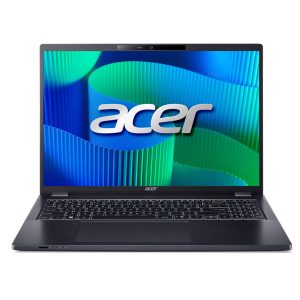 Acer TravelMate P4 Laptop Intel Core Ultra 5 16GB Memory
 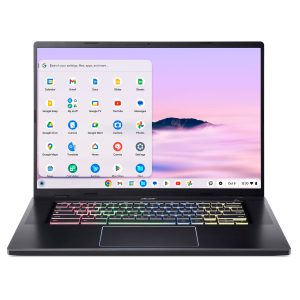 Acer Chromebook Plus 516 GE Cloud Gaming Laptop 16 Inch
 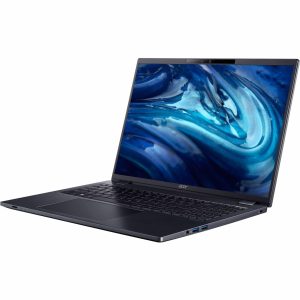 Acer TravelMate P4 Laptop AMD Ryzen 5 Pro 16GB RAM
  iRobot Roomba Combo j5+ Self Emptying Vacuum Mop Graphite
  Jabra Evolve2 Earset Stereo True Wireless Bluetooth Earbud